Imagine walking into a house that anticipates your every need, where lights dim as you settle in to binge-watch your favorite show, the coffee pot starts brewing as you wake up each morning, and the thermostat adjusts to create the perfect ambiance at just the right time. Welcome to the world of home assistant automation. With a touch of tech magic, you can transform your living space into a sanctuary of convenience and efficiency. In this text, we’ll unravel everything you need to know about setting up home automation using Home Assistant, ensuring that you enjoy the perks without pulling your hair out. Buckle up, it’s about to get automated.
Understanding Home Assistant
What Is Home Assistant?
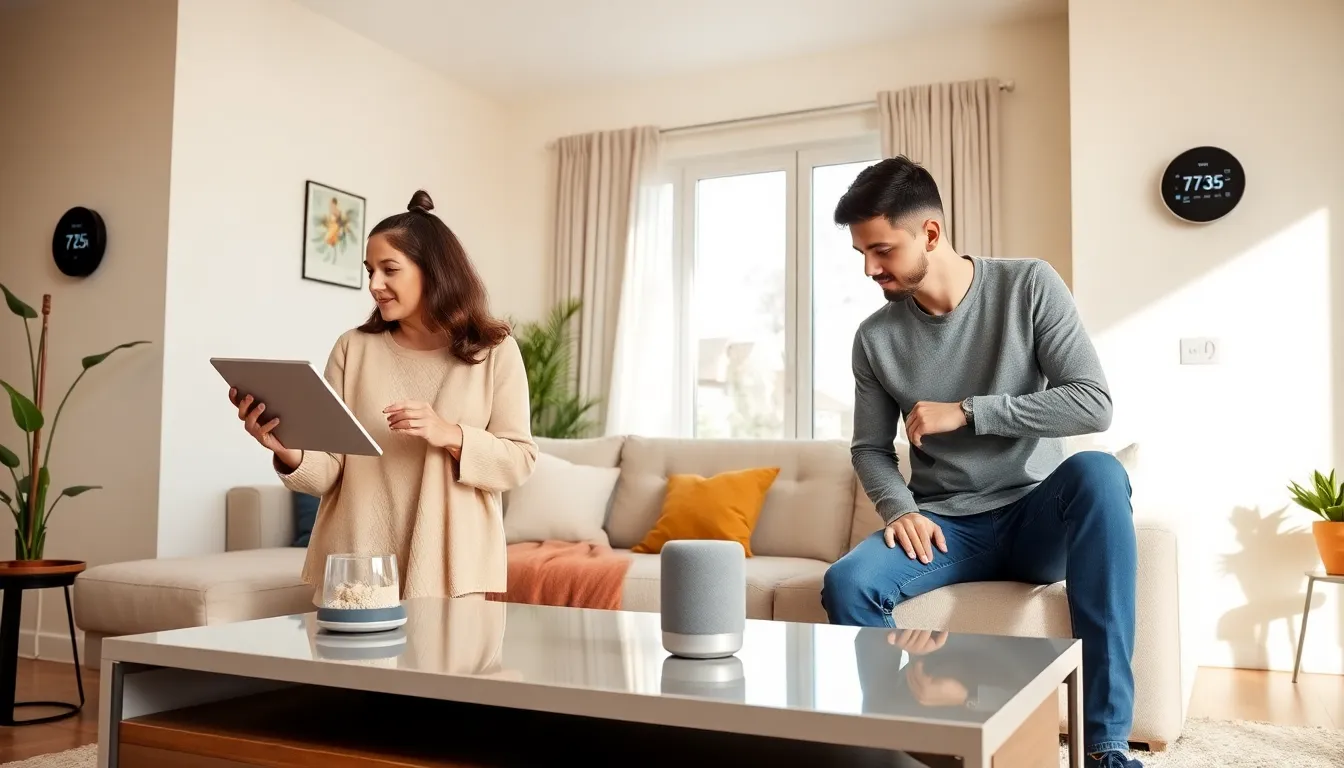
Home Assistant is an open-source platform designed to control various smart devices within a household, allowing seamless integration and automation. Picture it as the conductor of an orchestra, synchronizing all your gadgets to create a harmonious living experience. Whether you want to adjust your lights, manage your thermostat, or get alerts when your laundry is done, Home Assistant has you covered.
Key Features of Home Assistant
- Device Compatibility: It connects with thousands of devices from various manufacturers. Whether it’s smart bulbs, security cameras, or even appliances, chances are, Home Assistant can manage it.
- Customization: Users can create personalized dashboards and automations that fit their lifestyle.
- Local Control: Control everything from your local network without relying on cloud services, enhancing privacy and speed.
- Voice Assistant Integration: Compatible with popular voice assistants like Google Assistant and Amazon Alexa, amplifying the ease of use.
The Importance of Automation
Benefits of Home Automation
The advantages of home automation extend far beyond mere convenience. It brings security, energy efficiency, and peace of mind. Imagine being able to monitor your home remotely, ensuring that everything is secure while you’re away. Also, automation can help reduce energy consumption by optimizing how and when devices are used. Want to make your home greener? Home automation can help you manage energy usage effectively.
Common Use Cases for Home Assistant Automation
Home Assistant offers countless automation possibilities:
- Lighting Control: Set schedules or automate based on motion detection.
- Heating and Cooling: Optimize HVAC systems for better efficiency.
- Security Notifications: Get alerts for unusual activities or when doors are left open.
- Media Control: Sync music and video devices to create a perfect environment for relaxation.
Setting Up Home Assistant Automation
Installing Home Assistant
To begin your automation journey, the first step is to install Home Assistant. You can run it on a Raspberry Pi, a dedicated server, or even a virtual machine. Installation is straightforward:
- Download the image suitable for your system.
- Flash it onto a microSD card if using a Raspberry Pi.
- Boot up your device and follow the setup wizard to configure your settings.
Creating Your First Automation
Once installed, it’s time to create your first automation. This is how you do it:
- Open the Home Assistant interface in your web browser.
- Navigate to ‘Configuration’ and then ‘Automations.’
- Click on ‘Add Automation’ and follow the prompts to set trigger events (like motion detected or a specific time) that lead to actions (activating lights or sending notifications).
- Test your automation to ensure it works.
Advanced Automation Techniques
Using Scripts and Scenes
Once you’ve mastered basic automations, you can take it a step further with scripts and scenes. Scripts allow for a series of actions to be executed in a specific order, while scenes can set multiple devices to a specific state simultaneously. Want a ‘Movie Night’ scene that dims the lights and starts your projector? With Home Assistant, it’s simple to set up.
Integrating with Other Smart Devices
For a truly interconnected home, integrate other smart devices. Home Assistant can work along with sensors, locks, and cameras, making it the central hub for all your smart home needs. Take advantage of third-party integrations to expand the capabilities even further, ensuring that every device works in tandem.
Troubleshooting Common Issues
Identifying and Fixing Automation Problems
Although Home Assistant is powerful, sometimes things don’t work as planned. If an automation fails, check the logs to identify the issue. Common problems include incorrect triggers, faulty device connections, or misconfigured settings. Use the community forums for troubleshooting advice.
Optimizing Performance and Reliability
To keep your home automation running smoothly, optimize performance through regular updates and efficient resource management. Consider reducing the number of simultaneous automations running to prevent overloading your system. Testing automations regularly can help ensure reliability, so you’re not caught off guard when attempting to impress guests with your smart home.